Photo
PhotoID
Frame the right photo.
Choose a document template, adjust your photo and export a digital file or print sheet. On-device guides help you check size, framing and file limits; acceptance is decided by the issuing authority.
Android version in development.
A closer look.
What it does.
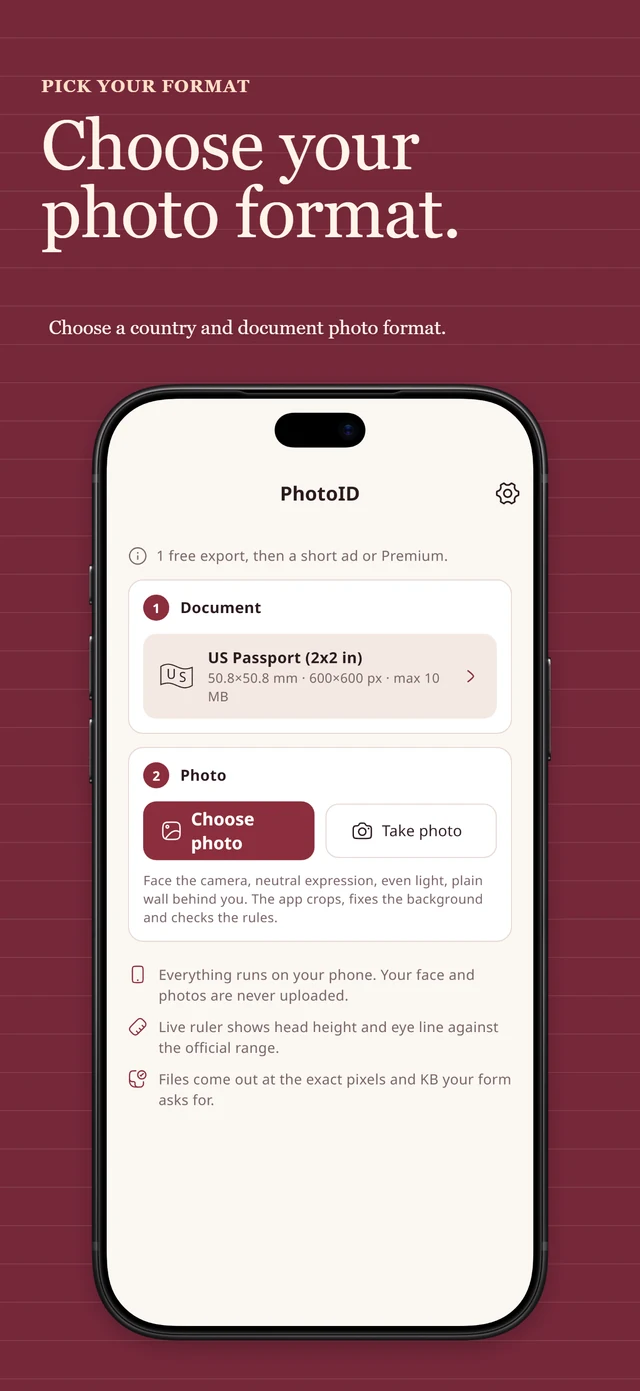
100+ templates
Passports, visas, ID cards, driver licences, exam portals and CV photos for countries on every continent, plus custom sizes from the numbers on your form.
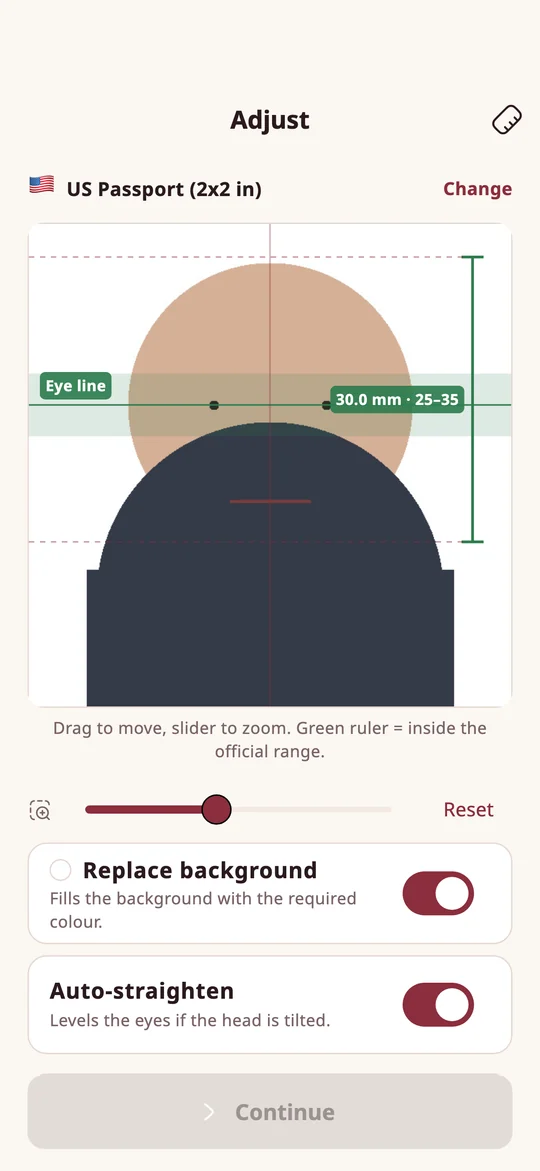
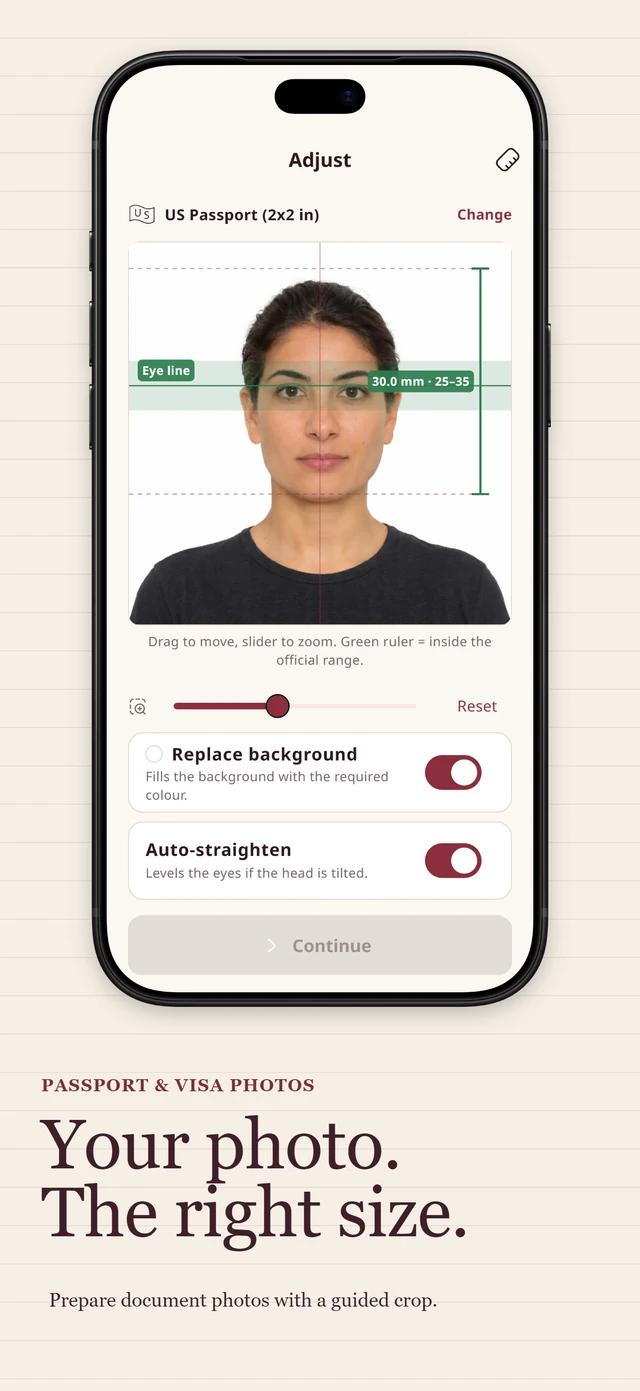
Live ruler
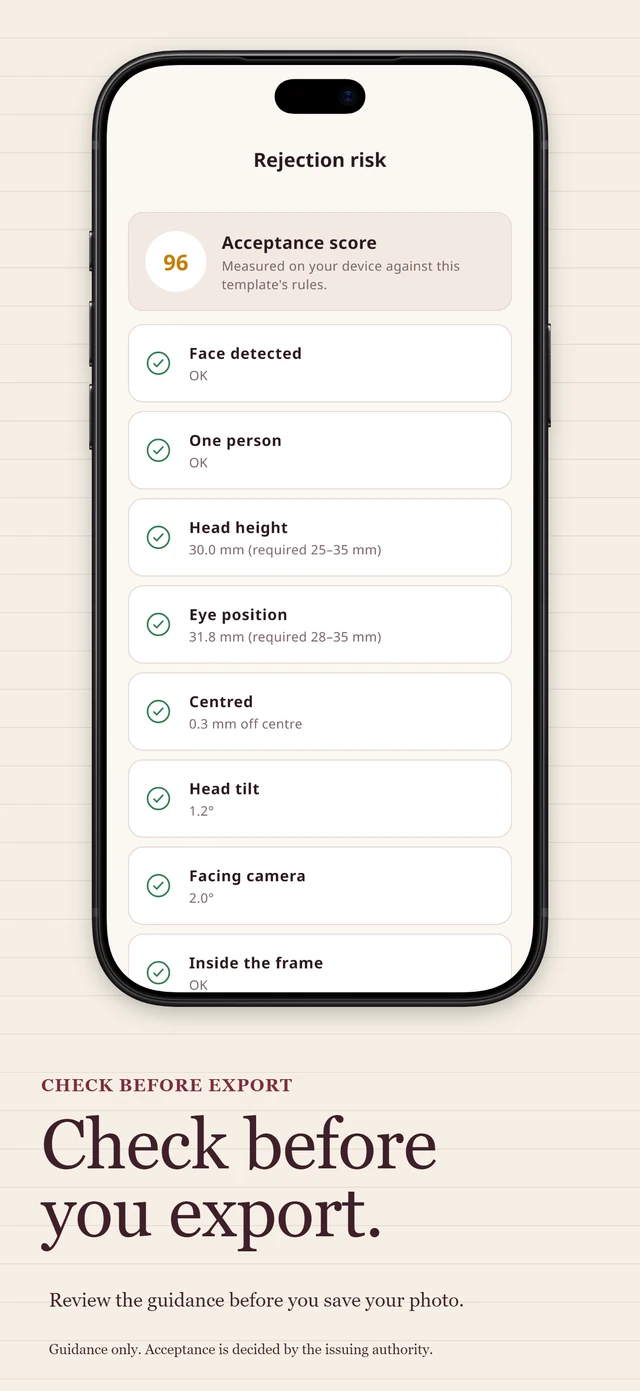
Head height and eye line are measured in millimetres against the official range while you adjust.
Photo checks
Head size, eye line, tilt, background, lighting, sharpness and resolution checks help identify issues. They are guidance and do not guarantee acceptance.
Pixel and file-size targets
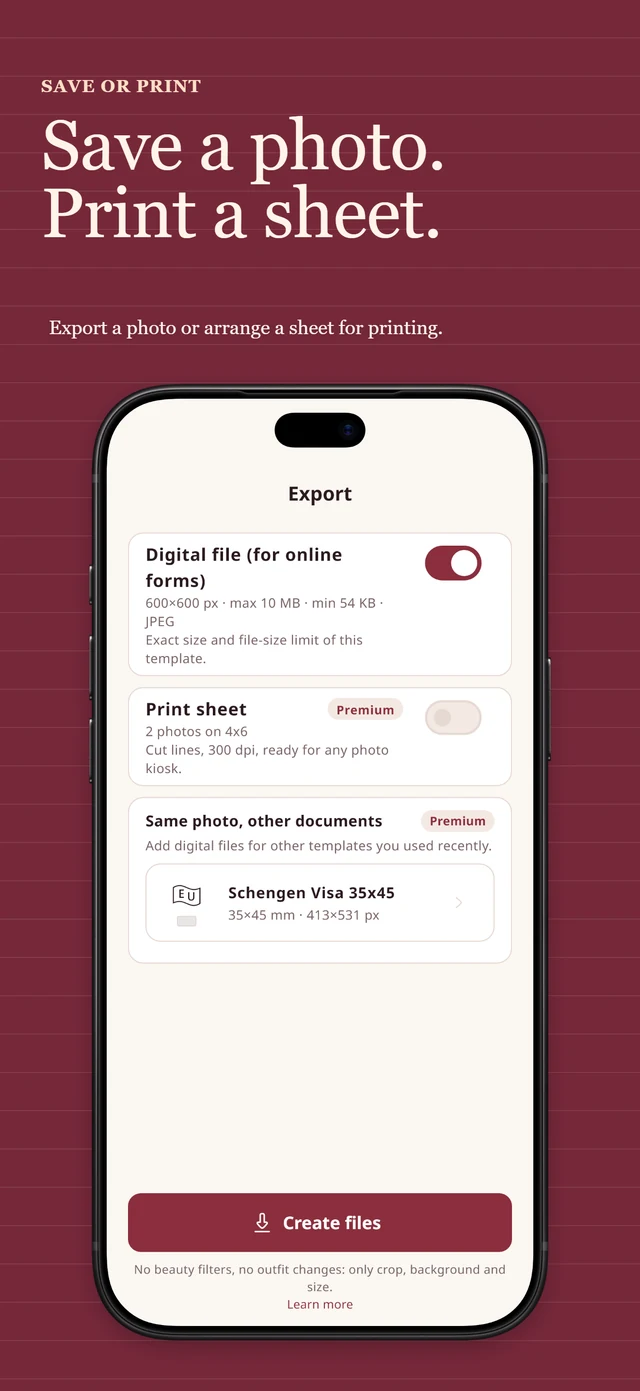
Export JPEG files at the selected template’s pixel size and KB limits. If those limits cannot be met, the app reports an export error.
Print sheets
4×6, 10×15, A4 and Letter sheets with cut lines for any photo kiosk or home printer (Premium).
Private by design
Face detection and background removal run on the device. No account, no upload, no face data stored.
Background options
Replace the background on supported devices, only when the issuing authority allows edited backgrounds.
Free and Premium.
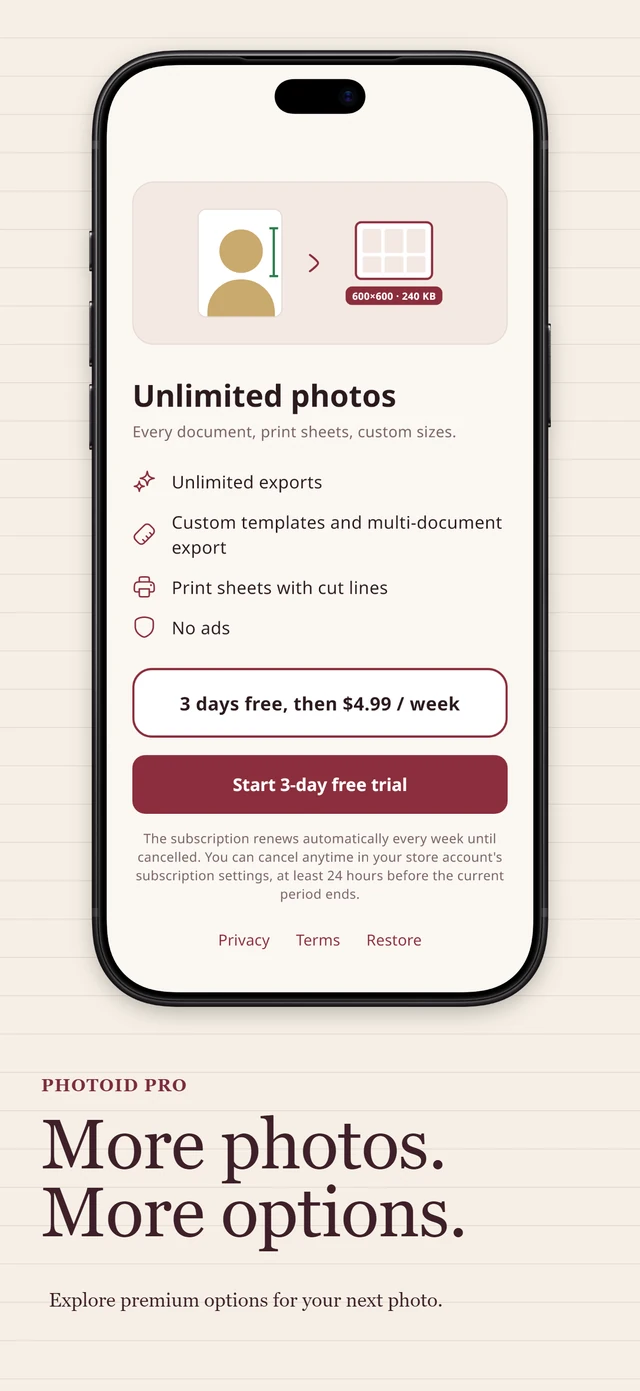
Free download with optional in-app purchases. Your first export is free. After that, watch a short ad per export or go Premium for unlimited exports, print sheets, custom templates and multi-document export, with no ads. Premium is a weekly subscription with a 3-day free trial for eligible new users. Prices are shown in the app and on the App Store in your local currency. You can cancel any time in your App Store subscription settings.
Questions and answers.
Will my photo be accepted?
The app follows published requirements and measures what it can, but acceptance is decided by the authority. Check lighting, expression and glasses yourself, and verify the rules of the form you submit. Some countries (for example UK, Canada and Germany passports) require photos taken by a professional or at the office.
The background is not replaced.
Background replacement needs iOS 17 or newer. On older devices, photograph yourself in front of a plain wall in the required colour.
Which file do I upload?
Use the digital JPEG. It is already at the exact pixel size and inside the KB limit of the template you chose.
How do I print?
Export a print sheet (Premium) and send it to a photo kiosk as a 4×6 or 10×15 print, or print at home on photo paper at 100% scale. Cut on the marks.
How do I cancel Premium?
iOS: Settings → your name → Subscriptions. Or in the app: Settings → Manage subscription.